Features

Records for ownership, and for the listing

BoatRealm provides the tools to create and organize a boat's service history and make that information useful throughout ownership and when the boat is listed on Test the Waters.

Video Walkthrough

Core record tools

Build a vessel profile, keep the maintenance history searchable, and hold documents and spending in one place. Those same records can later support a Test the Waters listing.

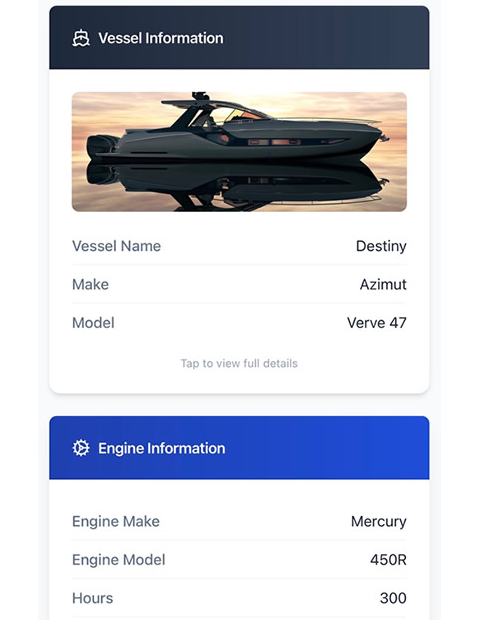
  • All-in-One Vessel Profile: Centralized record for your boat, generator, engines, tenders, and key service providers
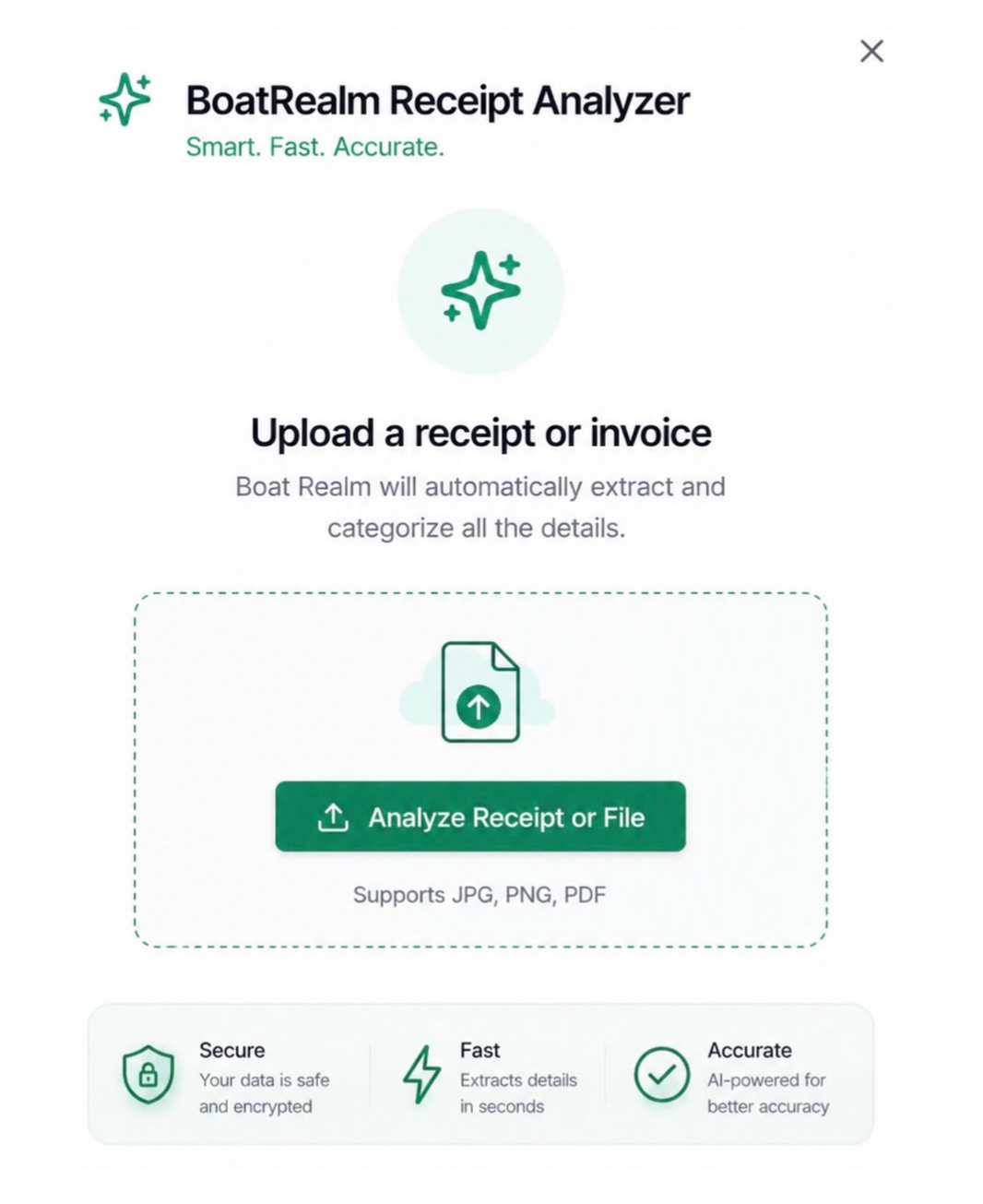
  • AI-native expense management: Upload, scan and auto categorize spending receipts and invoices in a snap
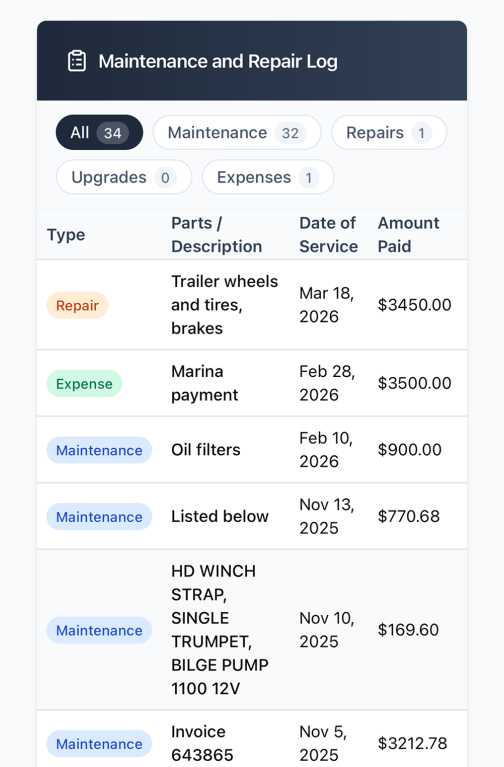
  • Comprehensive Maintenance & Repair Ledger: Full service history tracker with powerful category filtering and searchable records
  • Spending Insights & Analysis: Detailed reports by month, vendor, part replacement, and total cost of ownership
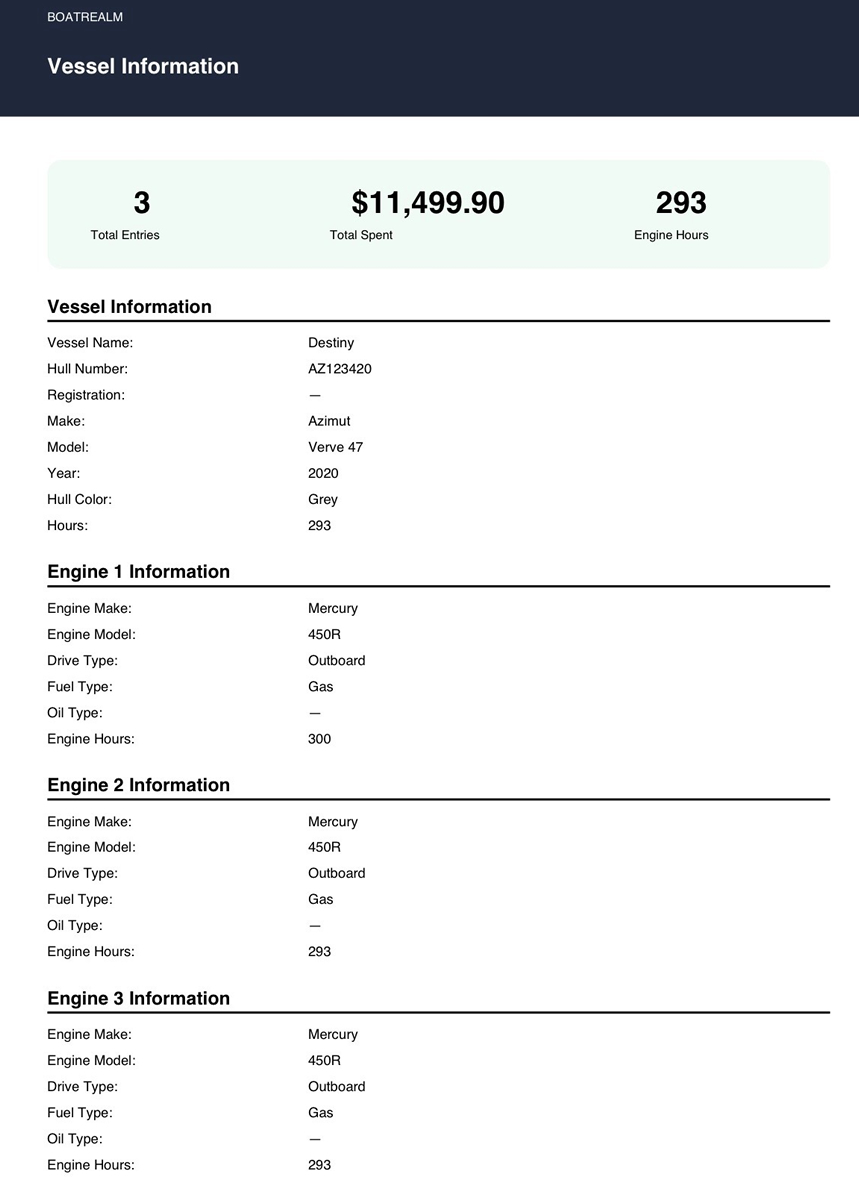
  • PDF Export and Download: Generate and download vessel information and service-record reports in PDF for surveys, insurance, and resale.
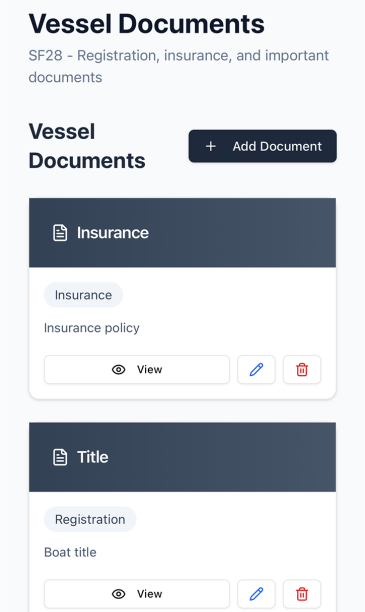
  • Secure Document Storage: Upload and store insurance and registration documents safely

In this overview, you can see how BoatRealm organizes service records, tracks spend trends, and keeps your vessel documents easy to access.
Core Record Management

The tools that build a service history

Illustration of a boat profile with engine and generator details

Boat General Information

Store key vessel details in one place, including vessel profile, generator and engine information, plus service provider contacts.

Illustration of auto-scanned and categorized receipts and invoices

Receipt Auto Analyzer

Upload, scan and auto categorize spending receipts and invoices in a snap.

Illustration of a maintenance ledger grouped by categories

Maintenance and Repair Ledger

Track every entry in a clear ledger and filter by category: Expenses, Maintenance, and Upgrades.

Illustration of a monthly spending bar chart

Monthly Spending Report

Review monthly spending totals to quickly understand how much your vessel care is costing over time.

Illustration of vessel records exported as PDF files

PDF Export and Download

Generate and download vessel information and service-record reports in PDF for surveys, insurance, and resale.

Illustration of securely stored vessel documents

Secure Document Vault

Upload and keep important vessel documents such as insurance policy, registration, and survey reports.

From Records to Listing

Test the Waters uses the record you already built

Test the Waters is the listing experience. A boat can be presented with photos, price, and specifications, plus the BoatRealm service records associated with that listing. Buyers can review the available maintenance documentation earlier in the process.

Create the record

Invoices, receipts, notes, and the maintenance ledger stay with the vessel profile in BoatRealm.

Attach it to the listing

Those records can be associated with a Test the Waters listing so the documentation is part of how the boat is shown.

Let buyers review it

Buyers see the maintenance history and service documentation the seller or broker has made available with the listing.

Seller Features

Prepare the boat's story before you list

Document the work

Add the vessel profile, photograph receipts, upload invoices, and write notes about work performed. The ledger keeps expenses, maintenance, and upgrades in a service timeline.

Keep documents together

Store insurance, registration, survey reports, and other vessel files in the document vault, next to the maintenance history.

Share what you choose

Export a PDF service-record report for surveys, insurance, or resale, and associate the records you want buyers to see with the Test the Waters listing.

Buyer Experience

Evaluate the boat with the records on the listing

What buyers can review

  • Applicable Test the Waters listings
  • Available maintenance history
  • Service documentation shared with the listing
  • Messages with the seller or broker

Why the timing helps

Seeing maintenance information earlier helps a buyer understand the boat before deciding to move forward. What appears depends on what the seller or broker has made available. Private BoatRealm records stay private until they are shared.

Broker Tools

Client boats, listings, and the records behind them

More than one vessel

Manage service records for client boats from one account. Each vessel keeps its own profile, maintenance history, expenses, and documents.

Records on the listing

Associate BoatRealm service documentation with a Test the Waters listing so maintenance history is part of the inventory you present.

Buyer communication

Communicate with prospective buyers through the platform about the boats and the records you have chosen to share.

Next Step

Start the record, or manage the boats you represent

Owners document a boat in BoatRealm. Brokers use the same records to support the listings they manage.